A real, visual
tooth-by-tooth chart.
Click a tooth, record the treatment, add clinical notes — DentalFinity's dental chart builds an accurate, visual treatment history for every patient, not just a text log.
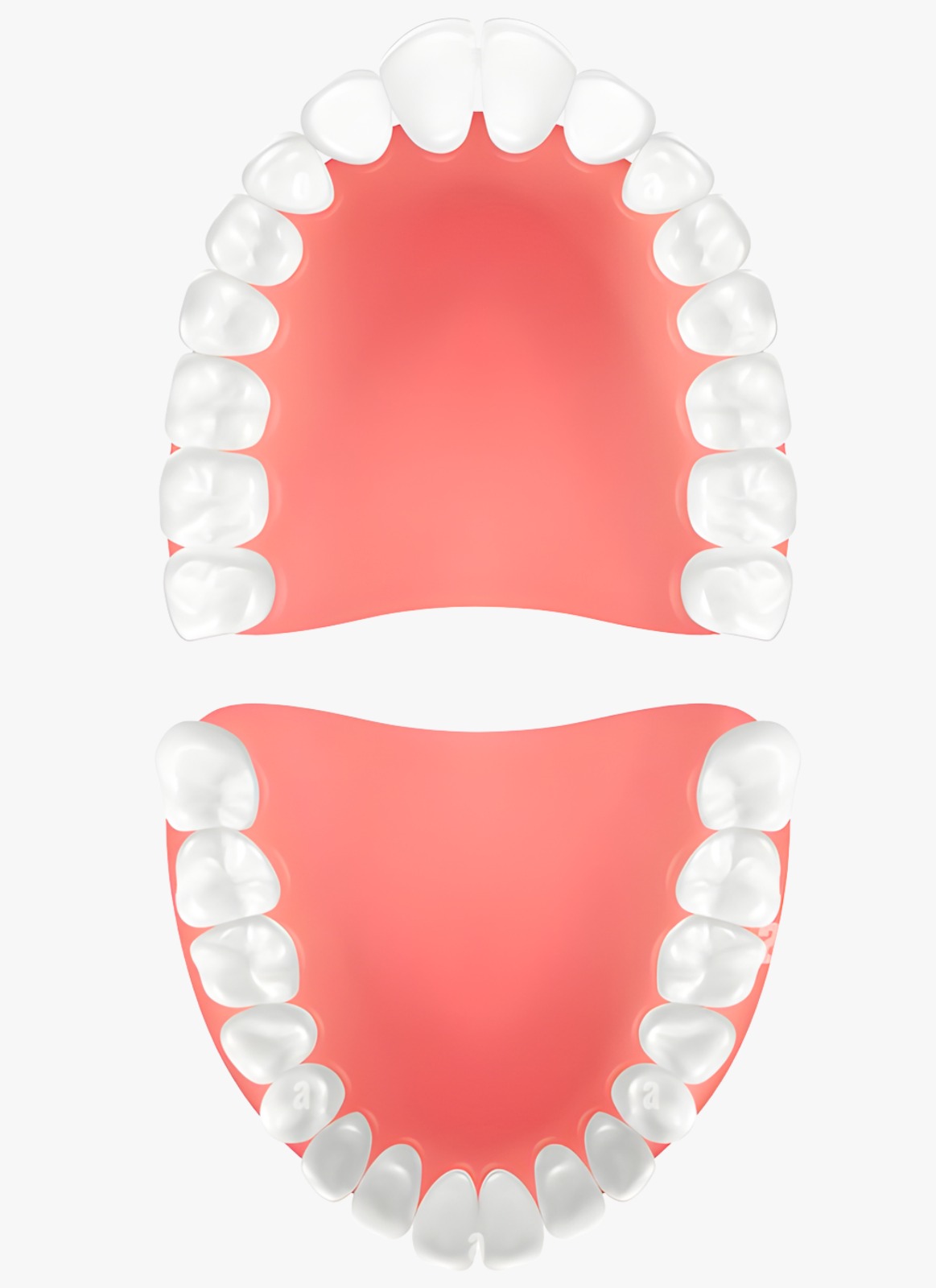
Tap or click any tooth to view its record
Select a tooth to view its record
Tooth
The old way
A written note like "filling on 14" is easy to misplace and hard to review at a glance months later — there's no visual record of which teeth have had what work.
With DentalFinity
DentalFinity's dental chart is a real, interactive diagram using universal tooth numbering — click a tooth, log the procedure and clinical notes against it, and the patient's full tooth-by-tooth history builds up visually over time.
Three clicks, one visual record
Select a tooth
Click the tooth on the visual chart using universal numbering.
Record the treatment
Log the procedure and any clinical notes against that specific tooth.
Review the full picture
Every past entry stays visible, tooth by tooth, for every future visit.
Common questions about the dental chart
Related features
Treatment Management
Build out procedures against a patient's dental chart, price them from your clinic's treatment list, and see the running total as work is completed across visits.
Digital Prescription
Diagnosis, clinical notes, medicines with dosage and instructions — every prescription is structured, versioned when edited, and available to patients through the Portal.
Billing & Finance
Every invoice has a real payment ledger — partial payments are added, not overwritten — so outstanding balances are always accurate, backed by clinic-level financial reports.
See the dental chart running on a real clinic setup
Book a free demo and we'll walk through it configured the way your clinic actually works.